

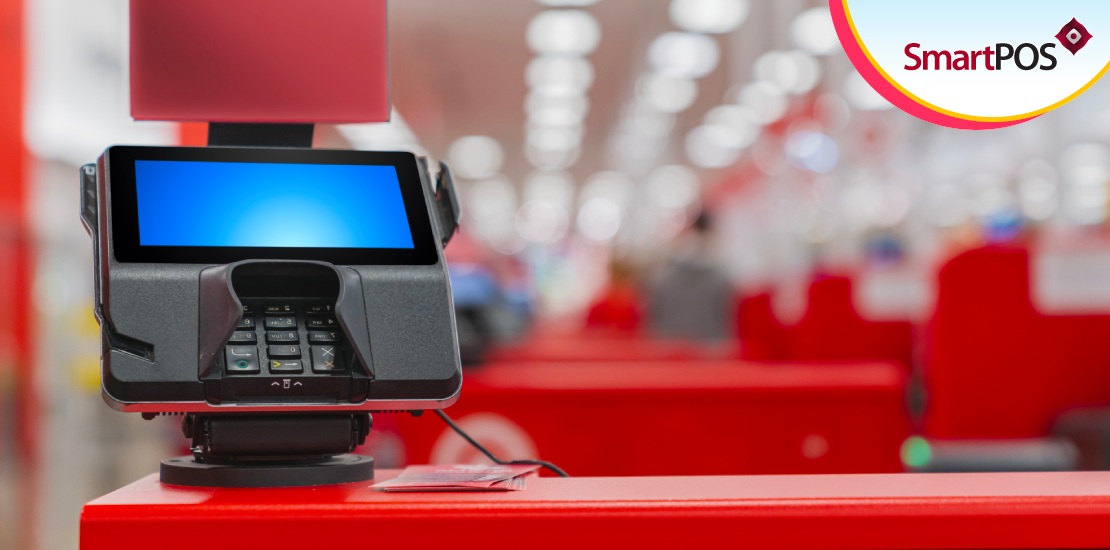
Traditionally, a Point of Sale software application is desktop-based. It runs on a system that consists of a keyboard, mouse, monitor, POS terminal, etc. Although this system can perform several functions like billing, inventory management, customer management, and more – it is clunky. Not only does a desktop-based POS system take up more space in stores, but it is also an expensive investment.
Today, POS solutions don’t run only on stationary computer systems. They also run on mobile devices like smartphones and tablets. Businesses of all sizes can benefit from this type of software. It grants portability to retail staff, enabling them to conduct business operations on the go or anywhere on brick-and-mortar premises.
Investment-wise, a mobile-based POS system is far more cost-effective compared to a desktop-based solution. Because all it requires to run is a smartphone or tablet device, eliminating the need for dedicated space and system peripherals. In this post, we discuss how you can turn your mobile device into a retail Point of Sale software solution. Let’s get started.
What is mobile point of sale software?
A mobile POS application is a program that runs on either or both iOS and Android devices. With an internet connection, the device lets you access various retail management features and retail databases from the palm of your hand. The mPOS application is most suitable for businesses that are on the move. Ringing up products and generating receipts with an mPOS is a breeze.
Retailers are investing in mPOS applications because of their lower costs than desktop-based POS. And stores with desktop POS applications are complementing those systems with mPOS, ultimately unlocking mobile retail operations and uninterrupted business continuity.
Using your mobile device as a POS
Almost everyone has a smartphone that supports a browser and an internet connection. Being a retailer, you can turn your phone into a POS by following a few easy steps. Besides smartphones, you can also turn tablet devices like the iPad into an iPad POS system. Let’s see how.
1. Download the POS app
The first step to converting your mobile device into a POS is downloading the application. Ensure that the app you want to download is compatible with your device’s Operating. On
Android devices, you can download the app from the Play Store. On iOS devices, you can download the app from iOS.
2. Set up payments
After downloading and installing the app, you must set up payment gateways and protocols. Some POS applications can tap into the native NFC feature of smartphone or tablet devices. Those devices can accept contactless NFC payments. If your phone doesn’t have the NFC feature, you must integrate the POS with a portable payment terminal that accepts debit and credit card transactions.
3. Generate receipts
Issuing a receipt along with every sale you make is critical. mPOS applications provide a wide range of receipt templates from which you can choose. The software lets you integrate portable Bluetooth printers and print paper receipts on the spot. Alternatively, you can use mPOS to send out electronic bills 66to customers.
4. Set up a barcode scanner
Desktop-based POS systems integrate with barcode scanners to simplify inventory management and billing processes. mPOS applications can do the same. Advanced applications tap into a phone or tablet’s native camera and turn it into a barcode scanner. Other mPOS can integrate with an external Bluetooth barcode scanner.
5. Generate reports
Managing inventory, sales, customers, employees, and more accumulates a lot of data over time. mPOS applications use AI and ML to aggregate, process, and extrapolate raw data into insightful analytics. They reveal what products are best-selling, products customers frequently return, and more.
Conclusion
Turning your smartphone or tablet into a mobile POS is a straightforward process. There are many types of mPOS available in the market. We recommend SmartPOS – the ultimate mobile Point of Sale software. It runs on Android and iOS. The software is secure, fast, loaded with features, and can integrate with a host of devices. Get in touch with us to learn more.