

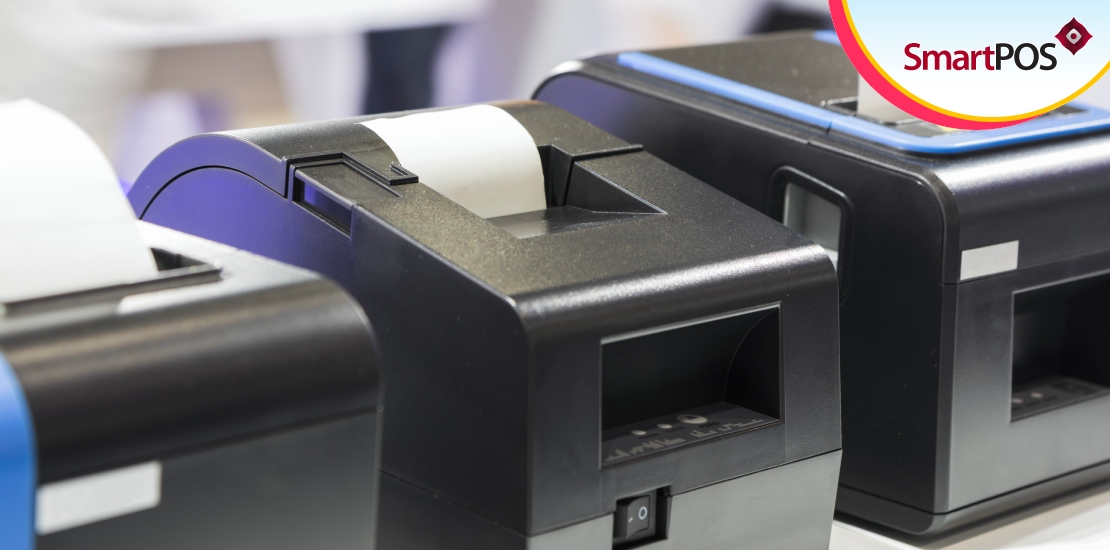
A common setback retail stores experience is in billing. After customers add products to carts and arrive at the checkout counters, offering them a fast, seamless experience is pivotal. One critical factor that impedes the billing experience is manual product retrieval. That is, looking up products in a database or paper-based records to learn product details like the price.
Manually looking up product information falters the billing process. It also creates a long queue at the billing counter. And overall, customer satisfaction bears a negative impact. Retailers can eliminate this problem and speed it up with barcode label printing in POS system.
Barcodes in the retail ecosystem provide several advantages. It is a must-have feature in stores of any size. Whether you’re a new entrant in the retail industry or a long-time veteran, a barcode printing feature in your POS system enhances your retail prospects. This post discusses the benefits of employing barcodes. Let’s get started.
What is a barcode?
Barcodes are ubiquitous. You see them on all commodities – electronics, consumables, books, sports goods, and groceries. Let’s dive into what they are.
Visually, barcodes look like stripes. They consist of bars and spaces that vary in width and can hold text information of any type. Barcodes can store data such as price and quantity.
To retrieve the information that barcodes contain, you need a barcode scanner. The laser beam from the scanner measures the light the bars and spaces reflect and convert them into digital, readable information.
Types of barcode
Barcodes are of two types – linear barcode and matrix barcode.
The most commonly seen barcode is the linear type. It is in the stripes form. The number of characters that linear, or otherwise called 1D barcode, is 85 characters. A traditional laser scanner is sufficient to read the data within linear barcodes.
A matrix barcode is more complex than a 1D barcode. Instead of stripes, this barcode type consists of squares, rectangles, and dots. Due to its complexity, the matrix or 2D barcode stores up to 2,335 characters. To read the information in it, you require a camera-based image scanner.
With a capable POS billing software solution, you can print barcodes of either type – 1D and 2D with just a few taps of a button.
How barcode labels benefit retail operations
Faster billing
By printing barcode labels with a POS and pasting them on products, checkout counter staff need to only point the scanner at them. The laser or camera-based image scanner retrieves product information immediately and adds it to the cart. It saves tremendous amounts of time in billing and enables customers to complete purchases quickly.
Efficient inventory management
Retail stores experience a constant rotation of inventory. After the stock acquisition, sales occur, and then the cycle repeats. During the process, the inventory can change places. Tracking stock movements within warehouses and on shelves is critical. Barcode labels are beneficial in this regard. They can store location, date of purchase information, and more. And scanners help retrieve such data instantly.
Accurate information
Recalling the information within the barcode is a straightforward process. By pointing the scanner at it, the POS instantly recognizes the text data in them. This is superior to looking up product information on a database, as that opens up room for errors.
Cost-effective tracking
Printing barcode labels is cost-efficient. They barely cost a few pennies but offer a plethora of benefits. It also saves you from training employees to recall product information manually. The simple point and scan step is a simple procedure that does not require any training.
Summing up
If you aren’t using barcode labels in your store yet, then it is high time to do so. We recommend using SmartPOS. It is a one-stop-shop retail billing software for managing all aspects of your daily operations. And it comes with an in-built barcode label printing module. Take your business to the next level. Contact us to know more.